What you bake
Macarons Box Photos: 6 Shots That Get You Orders
Simple phone photos that make your macaron boxes look worth the price.

On this page
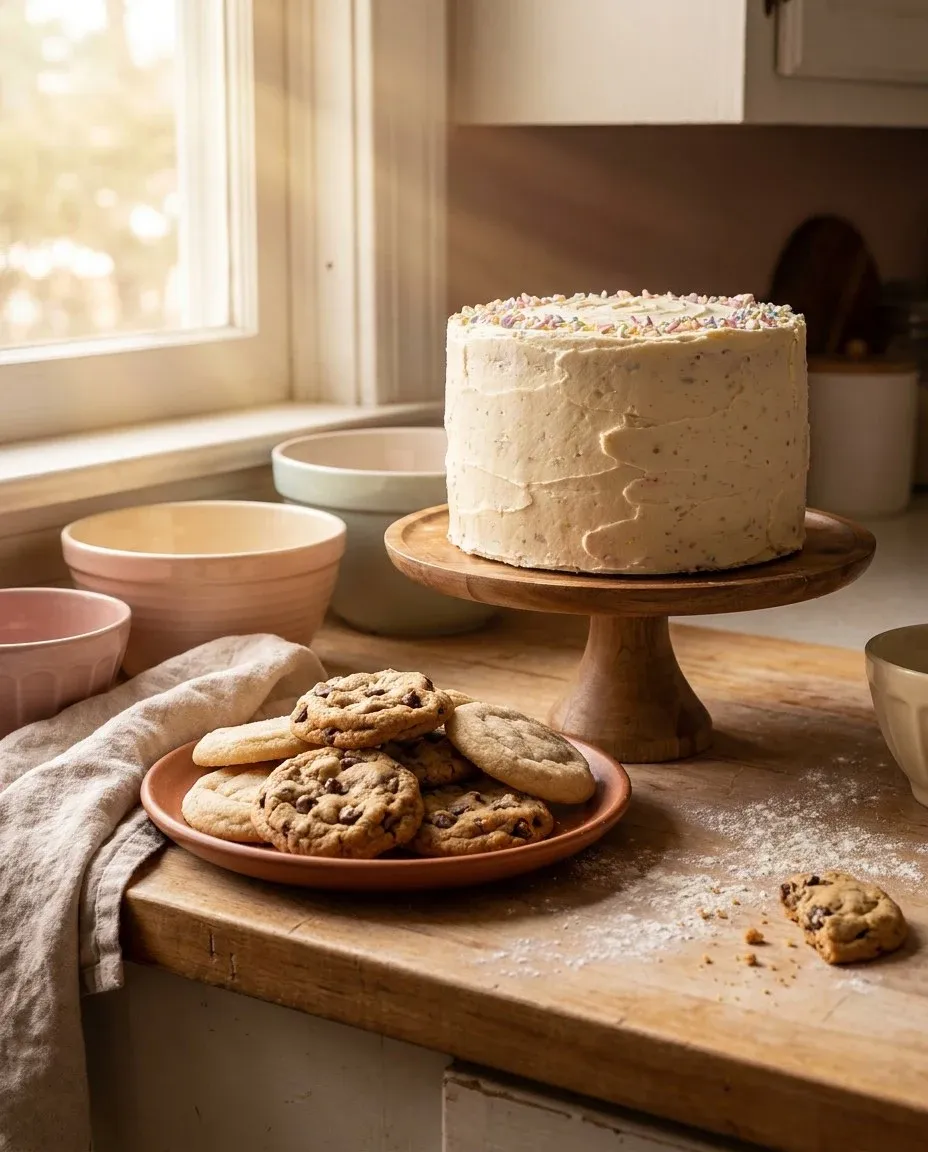
Good macarons box photos are not about a fancy camera, and your phone is enough if you control the light and the background. This guide shows you the six shots that turn a pretty box into a paid order.
What six macarons box photos do you need?
You need six photos to tell the whole story, and each one answers a question the customer has before they order. One shows the closed box so they see the packaging and the label, while another shows the open box with the macarons in neat rows. A top-down shot captures the full box, and a side angle shows the height and depth. A close-up of a single shell reveals the texture, and a styled shot with a simple prop like a linen napkin adds warmth.
Take all six shots in one session so the light stays the same, and move the box slightly between frames while you change the prop or angle. Variety keeps your shop page interesting without extra baking.
Closed box
Shoot the sealed box straight on. Make sure the label faces the camera and the tape is neat.
Open box
Lift the lid and shoot from a slight angle. Show the rows of macarons inside.
Top-down
Hold the phone above the open box. Keep the edges parallel to the frame.
Side angle
Shoot from the side at box level. This shows how deep the box is and how the shells sit.
Single macaron
Place one shell on the surface. Focus on the smooth top and the ruffled foot.
Styled shot
Add one prop only. A napkin, a spoon, or a sprig of mint keeps the eye on the box.
How do you set up the shot with your phone?
Daylight is your best light, so shoot near a window between 9 a.m. and 3 p.m. Turn off the overhead lights because they add a yellow cast, and wipe the phone lens with a soft cloth first. A smudge ruins more photos than a bad angle.
Use a plain surface like a white sheet of poster board or a light gray cutting mat. Place the box in the center and leave empty space around it so the photo does not feel crowded. Tap the screen on the macarons to focus before you shoot.
Steady the phone with both hands and lean your elbows on the table. Breathe out before you tap the shutter, or use the three second timer to keep the phone still. A cheap tripod or a stack of books helps if your hands shake.
What background and props work for macarons?
Keep the background simple with white, cream, or light gray. Busy patterns pull the eye away from the box, and a clean background makes the macarons look tidy and worth the price.
One prop is enough, and a folded linen napkin, wooden spoon, or small vase of flowers adds warmth. Do not scatter ingredients around the box because flour dust and loose shells look messy in a photo.
Match the background to the box color so a white box pops on light gray and a kraft box looks warm on cream. Do not use a black background because it hides the shadows and makes the macarons look flat.
Show the texture with a slight side light that reveals the smooth shell and the ruffled foot. Flat light hides the details that make a macaron look handmade and special.
Props should never touch the macarons, so a napkin under the box is fine but a spoon resting on the shell is not. You want the food to look clean and safe to eat.
How do you edit the photos without losing color?
Edit lightly with the built-in photo editor on your phone. Raise the brightness a little if the shot is dark, and warm the temperature slightly so the shells do not look blue. Do not use filters that change the color of the macarons.
Customers want to see the real product, so if the photo shows bright pink and the box arrives pale, you will get a refund request. Keep the edits true to life, and a small crop to center the box is fine.
Use the same editing steps for every box so your shop page looks uniform. Customers notice when one photo is dark and the next is bright, and consistent photos build trust before the first order.
Do not zoom in too far because cropping tight hides the box shape and makes the macarons look like a blob. Keep enough of the box in frame so the customer understands the size.
What mistakes make macarons box photos look cheap?
Dark, blurry photos make customers scroll past, and a cluttered background makes the box look like a leftover. Shooting from far away hides the details that sell the texture, so these mistakes cost you orders even when your baking is perfect.
Check every photo before you post by zooming in and looking at the shells. Ask if they are in focus, if the label is readable, and if the box looks full. If the answer is no, take the shot again because it takes two minutes and saves a lost sale.
Make sure the label is readable, and if you use a sticker with your logo, shoot it straight on. A blurry logo looks unprofessional, and the customer should be able to read your name without zooming.
How do you use macarons box photos to get orders?
Post the open box shot first because it shows the product and draws the eye. Use the closed box shot when you talk about packaging or shipping, and the single macaron close-up works well for stories and quick posts.
Add the photos to your shop page and your order form so a customer can see the box and order faster. They do not need to ask how many macarons fit inside because the photo answers the question.
Save the styled shot for holidays and gift seasons because a simple prop changes the mood without a new recipe. You can reuse the same baking photos all year with small edits.
Use the photos in your messages too, and when a customer asks about a custom order, send the closest photo you have. It saves time and shows you pay attention to detail.
Good photos do more than fill a page because they answer questions before the customer asks them. The customer sees the size, the color, and the packaging, which means fewer messages and fewer surprises at delivery.
Your photos also help when you sell a macarons box template or a macaron gift box. If you ship, the same photos show customers what to expect when they learn how to ship macarons. For more ideas, visit the craft tips for home bakers hub.
Common questions
Do I need a professional camera for macarons box photos?
No, a phone in daylight works well. Keep the lens clean, tap to focus on the shells, and shoot close. A plain background and steady light matter more than an expensive camera. Your phone is enough to fill your shop page.
How many photos should I take of one box?
Six is enough. One closed box, one open box, one top-down, one side angle, one close-up of a single macaron, and one styled shot with a prop. That set gives you everything you need for your shop and your posts.
Can I use a flash for macarons box photos?
Avoid direct flash. It creates harsh shadows and washes out the color of the shells. Use daylight from a window or a white sheet to bounce light onto the box. Soft, even light keeps the macarons looking smooth and the colors true to life.
What background is best for macaron boxes?
A plain white, cream, or light gray surface works best. Busy patterns pull the eye away from the box. A clean background makes the macarons look tidy and worth the price. Keep the box in the center with space around it.
Should I edit my macarons box photos?
Edit lightly. Adjust brightness and warmth so the colors look true to life. Do not smooth the shells or change the shape with heavy filters. Customers want to see the real product they will receive. A small crop to center the box is fine.