What you bake
Cookie Captions for Business: 5 Lines That Bring Orders
A short list of caption formulas that turn a cookie photo into an order.

On this page
- Caption Formula 1: Name and Need
- Caption Formula 2: The Story Behind the Batch
- Caption Formula 3: The Simple Question
- Caption Formula 4: The Limited Batch Alert
- Caption Formula 5: The Customer Love Quote
- Matching Captions to Your Sales Channel
- Selling Boxes and Bundles With Captions
- Checking Your Margin Before You Post
- The One Mistake That Loses Sales
- A Real Example: From Photo to Order
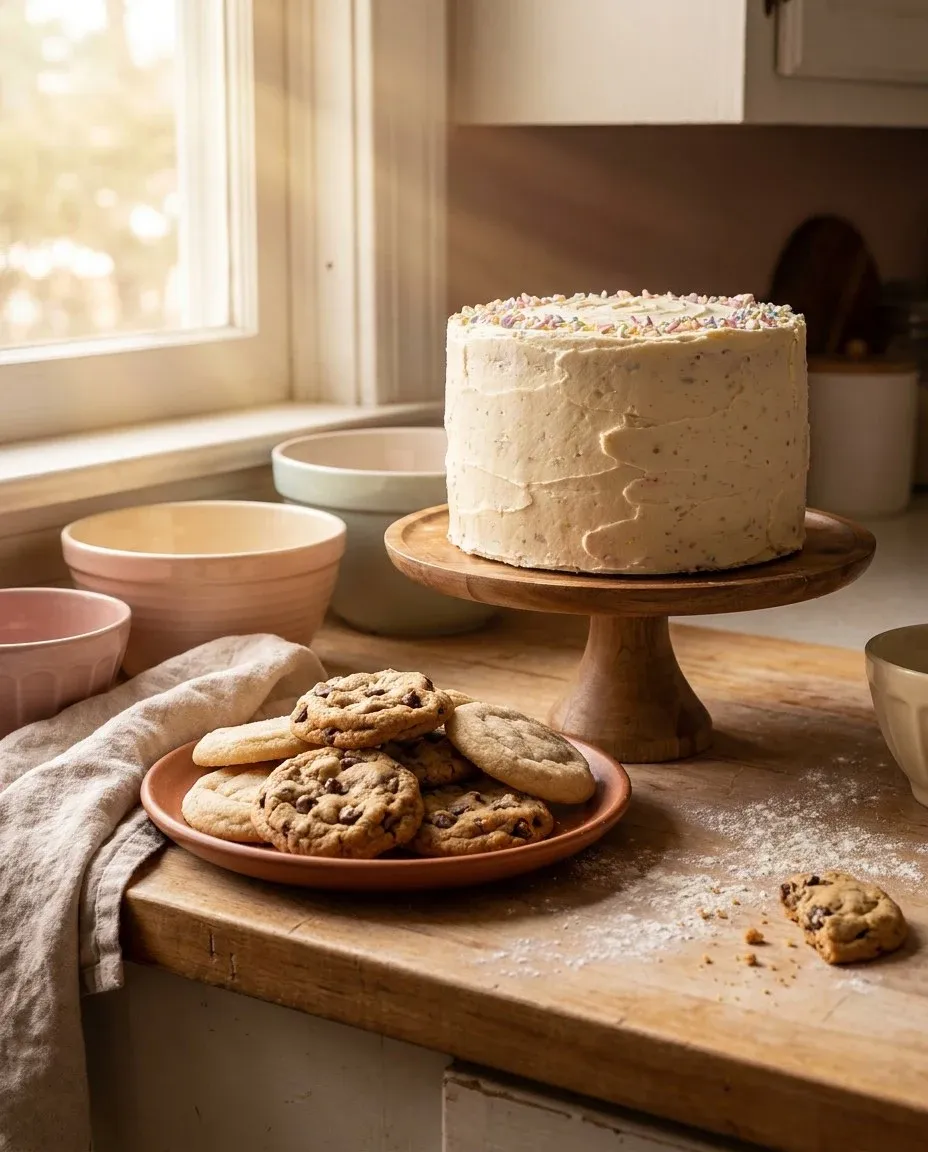
Your cookie photos show the work, but your captions do the selling. A caption that only says “fresh cookies” leaves money on the table. Use these five formulas to write captions that bring orders. Strong captions turn a quick scroll into a click and a click into a sale. For more on building your shop, see our guide on cookie business branding.
Caption Formula 1: Name and Need
Start with the cookie name and the craving it solves. This works for a single cookie post or a menu shot. The formula is simple: Cookie Name + Flavor Hint + Call to Order.
Name the cookie
Use your real menu name, like “Brown Butter Toffee” or “Birthday Cake Crunch.”
Hint at the flavor
Add one sensory word: chewy, crispy, melt-in-your-mouth, spiced, or fudgy.
Tell them how to order
End with a clear next step: “Order this week’s batch” or “DM to reserve your dozen.”
Caption Formula 2: The Story Behind the Batch
People buy from people, and a short story builds real connection with your customer. It can be as simple as testing a new recipe or baking for a rainy afternoon. Keep the story to one or two sentences so the focus stays on the cookie. End with a clear order instruction like the example below.
“Spent the morning perfecting this lemon glaze. Now taking orders for Friday pickup.”
Caption Formula 3: The Simple Question
Ask your customer a direct question about the cookie to invite a comment. Comments help your post get seen by more people on the platform. The question should be easy to answer in a few words. Follow the question with your order instructions so the reader knows what to do next.
“Which one are you grabbing first: the double chocolate chunk or the salted caramel swirl?” Follow the question with your order instructions.
Caption Formula 4: The Limited Batch Alert
Scarcity drives action, so tell your customer when the quantity is limited. This works for seasonal flavors, special ingredients, or a small batch size. Be clear about the deadline and the exact number available. A specific limit creates urgency better than a vague warning.
“Only 12 boxes of these Pumpkin Spice Snickerdoodles are available. Order closes Wednesday at 5 PM.” Be clear about the deadline and the limit.
Caption Formula 5: The Customer Love Quote
Use a customer’s own words to show that people love your work. Ask a happy customer if you can quote their text or comment. A short testimonial in a caption is powerful social proof for new buyers. Keep it brief and connect it back to what is available right now.
“‘Best cookie I’ve had all year’ - Sarah, last week’s order. Thank you, Sarah The same chocolate chip batch is available now.”
Matching Captions to Your Sales Channel
Your caption should match the place where your customer reads it. On Instagram, keep the text short and put the order link in your bio. On Facebook, you can share more detail about pickup days and locations. On your own shop page, use the caption as a product description that answers questions about ingredients and allergens. No matter the platform, the final line must tell the reader exactly how to buy.
Selling Boxes and Bundles With Captions
A photo of a full cookie box needs a different approach than a single cookie shot. Name the collection first, like the Weekend Cookie Box. List the flavors briefly so the reader knows what is inside. Then direct customers to your full menu or order link for details and pricing. This keeps the caption short while still showing the value of the bundle.
Checking Your Margin Before You Post
A caption is only truly successful if the order actually makes you money. Before you post a price, run the numbers through the bake pricing calculator. Add your ingredient cost, your labor time, and your overhead for packaging and labels. If the sale price does not cover all three, adjust the price or the batch size. A popular cookie that loses money on every single order is not a win.
The One Mistake That Loses Sales
The biggest mistake is a caption with no call to action. A beautiful photo of cookies with no order information is a missed sale. Every caption should tell the customer what to do next. Always include your order link, a clear instruction to DM you, or a pickup day. Make the next step obvious so the customer never has to guess. For more on converting interest into sales, read cookie business flyer.
A Real Example: From Photo to Order
Let’s follow one caption through to an order. You post a photo of a new cookie. You use the “Name and Need” formula. The caption says: “New recipe alert: S’mores Stuffed Cookies. Graham cracker crust, marshmallow swirl, and a chocolate core. Order for weekend pickup at the link below.”
Run the numbers through the same calculator before you post the final price to customers. A dozen uses $9.00 in ingredients, $6.00 in labor, and $3.00 in overhead for packaging. The total cost is $18.00, and you sell the dozen for $30.00 on your shop page. Your final margin is $12.00 after ingredients, labor, and overhead are all fully accounted for.
The caption names the cookie, describes the taste, and gives the customer a clear action to take. A customer clicks your link, which goes directly to your shop where they can see the final price and order. The path from seeing the photo to placing the order is short, clear, and easy to follow.
Your captions are a direct line to your customer. Use them to sell the experience, not just the cookie. For more craft tips, see the related guides listed at the end of this page.
Try the free bake pricing calculator
Free, no signup.
Browse more craft guides.
Common questions
How long should a cookie caption be?
Keep it under 125 words so the text does not get cut off on a phone screen. Use short sentences and put the most important information first. A customer should understand the cookie and the order step in one quick scan.
Should I use hashtags in my business captions?
Use two or three specific hashtags, like your town name and "cottagefood." Avoid long lists of generic tags that reach the wrong audience. The caption itself should do the work of naming the cookie and the order step.
What if I'm selling multiple cookies in one photo?
Name the collection, like "Weekend Cookie Box," so the customer knows what they are buying. List the flavors briefly, then direct customers to your full menu or order link for details. This keeps the caption short while still showing everything included in the box.
Can I reuse the same caption?
You can reuse a strong caption formula, but change a few words each time. Regular customers will notice if every post is identical or feels copy pasted. Fresh language keeps your feed interesting and shows that each batch is new.